Savage Realty Guide
OneHome and Saved Search Guide
How invited clients use OneHome to review listings, organize feedback, receive alerts, and collaborate on a personalized search.
Open OneHome Client Login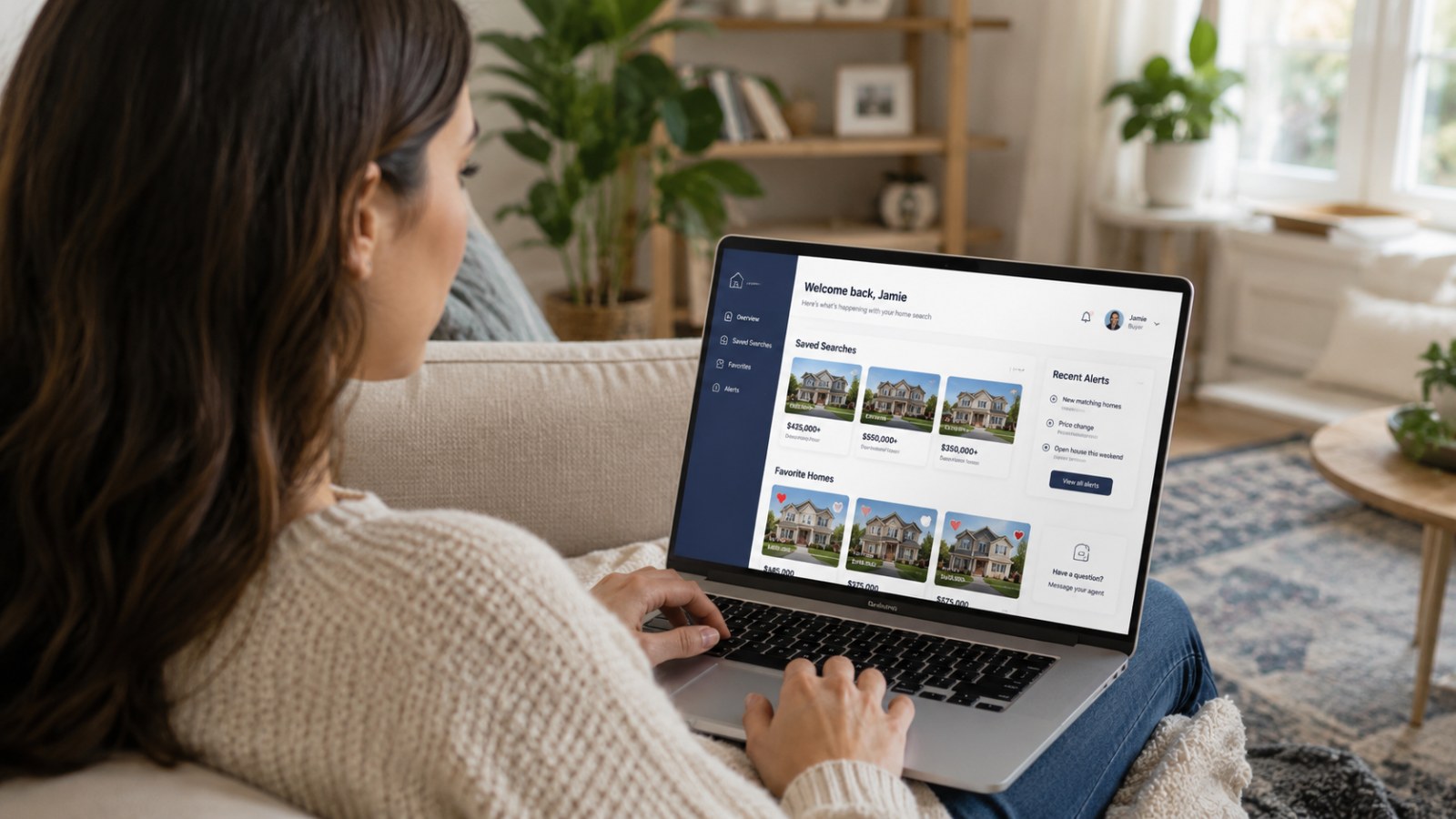
What This Guide Covers
- Invitation access
- Saved criteria and alerts
- Favorites and feedback
- Tour preparation
- Login help
Understand public search and OneHome
Public IDX browsing and OneHome serve different purposes.
- Search Current Listings is available for public browsing without registration.
- OneHome becomes available after our team creates a personalized search and sends an invitation.
- Account setup begins from the invitation; OneHome does not offer public self-registration through Savage Realty.
Review and organize listings
Use the portal to keep the search discussion focused.
- Review new listings and the property details supplied through the search.
- Favorite properties you want to compare and hide or dismiss properties that do not fit.
- Share specific feedback about location, condition, layout, price, and priorities so search criteria can be adjusted.
Use saved criteria and alerts
Alerts reflect the criteria configured for the search.
- Review whether the area, price, property type, features, and status filters still match your plan.
- Ask our team to change criteria when the results are too broad, too narrow, or no longer reflect your priorities.
- Use favorites and notes to prepare a concise tour list rather than relying on memory.
Resolve common access problems
Login issues usually have a straightforward next step.
- Check spam or filtered folders for the invitation and confirm the email address used for the search.
- Use the official OneHome sign-in page for an existing invited account.
- Contact our team if an invitation expired, cannot be located, opens for the wrong email, or the search needs to be recreated.
Action Checklist
- Confirm the invitation email address
- Complete account setup
- Review saved criteria
- Favorite serious possibilities
- Dismiss poor fits
- Add useful feedback
- Ask for criteria adjustments
- Prepare a tour shortlist
- Request login help when needed
Common Mistakes to Avoid
- Assuming public IDX activity automatically appears in the CRM
- Expecting OneHome self-registration
- Using favorites without sharing why a property works
- Keeping outdated criteria active
- Assuming our team can see activity that OneHome does not provide locally
Questions to Ask
- Are the saved criteria producing the right range of homes?
- Which favorites should be compared or toured?
- What feedback would make the search more accurate?
- Does the invitation use the correct email address?
Ready to Discuss Your Situation?
Use this guide to prepare your questions, then contact our team for guidance tailored to the property and decision in front of you.
Open OneHome Client Login Contact Our Team